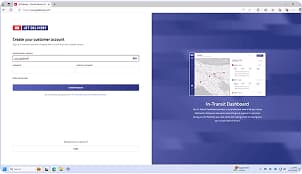
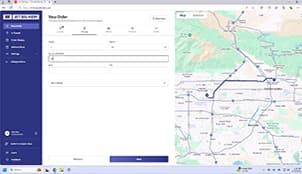
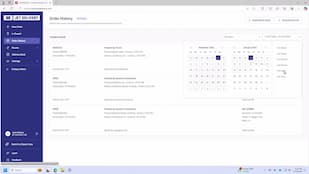
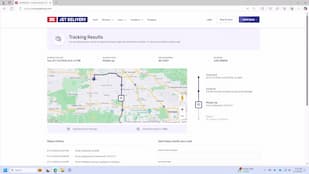
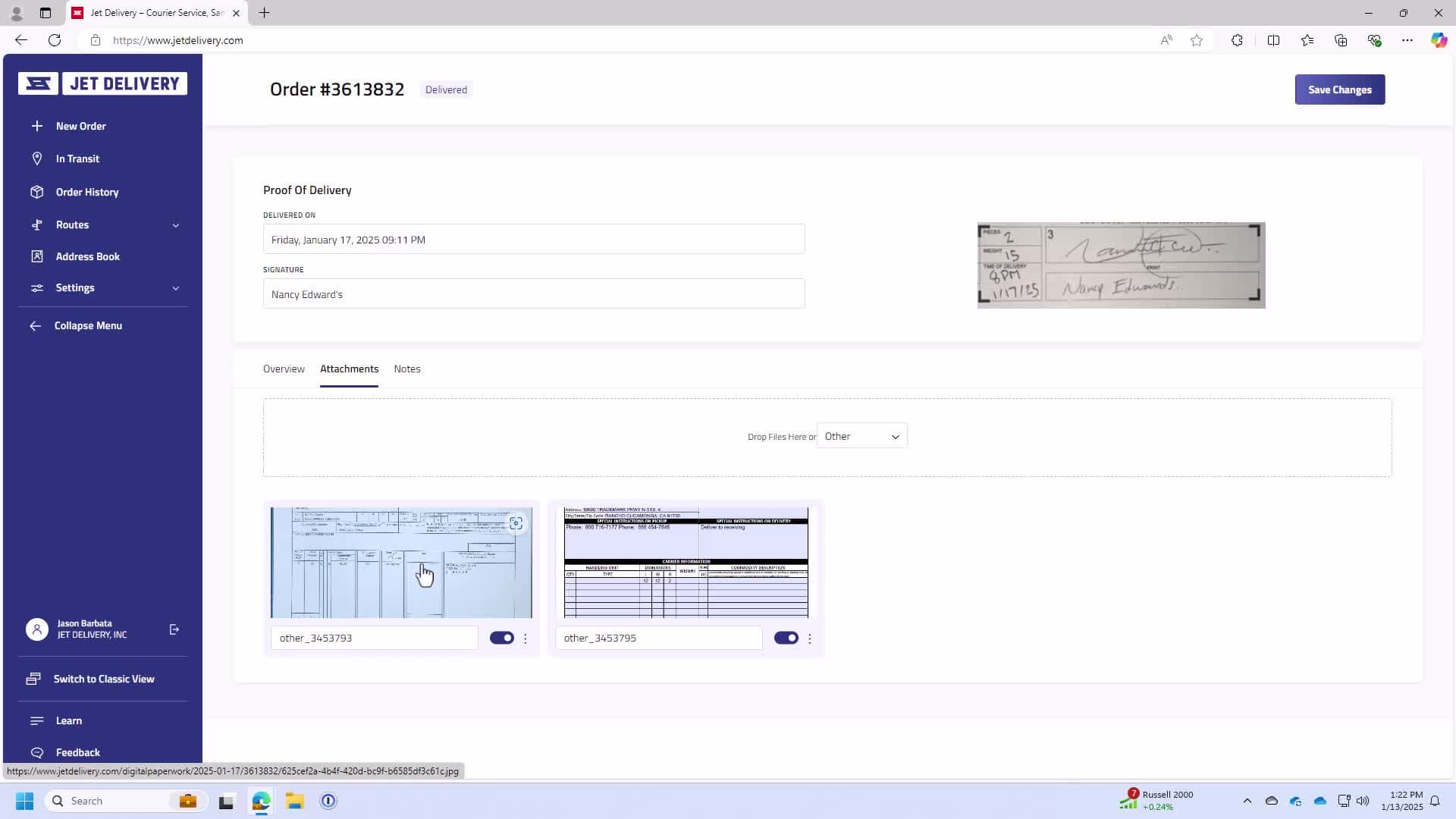
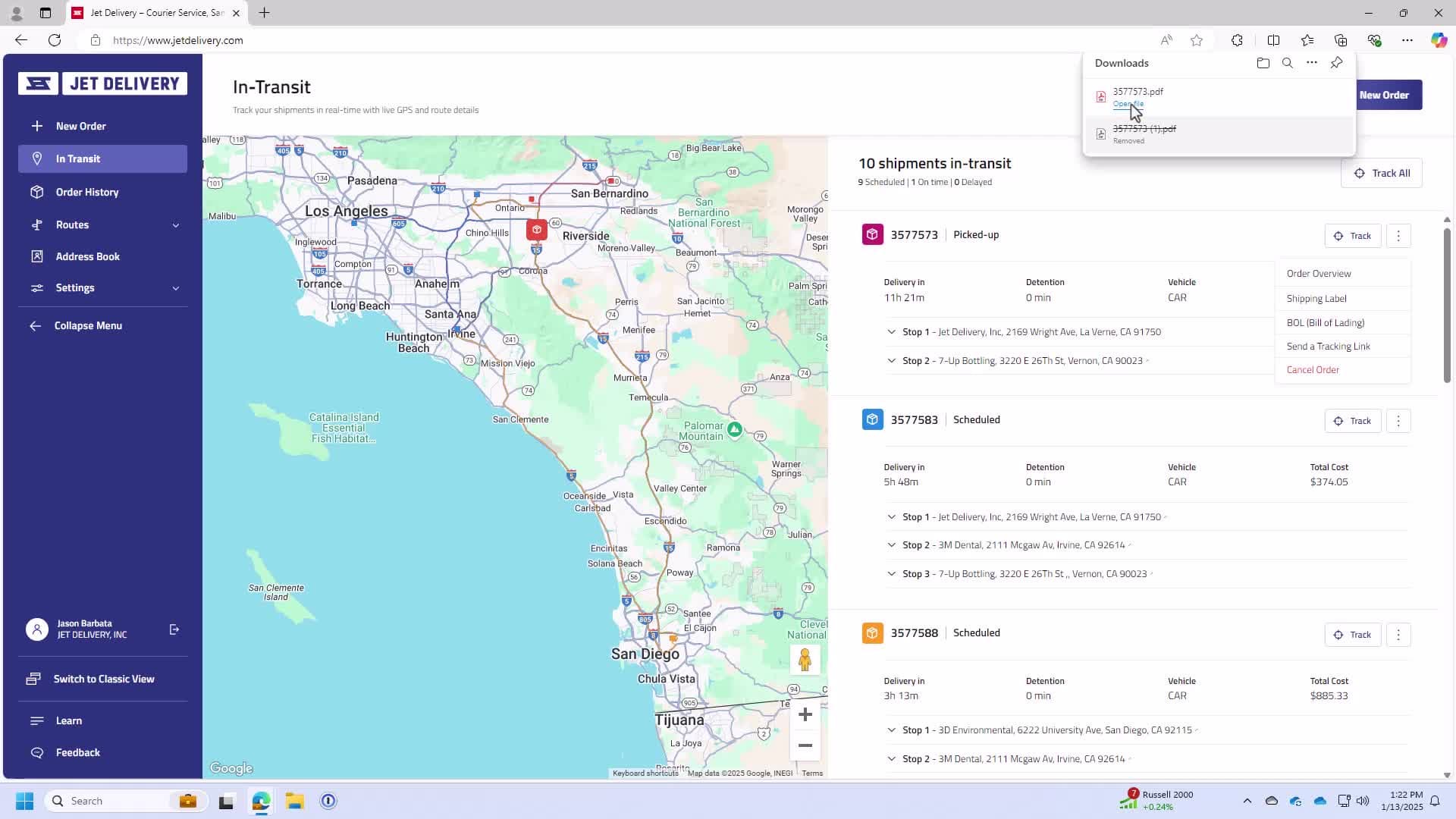
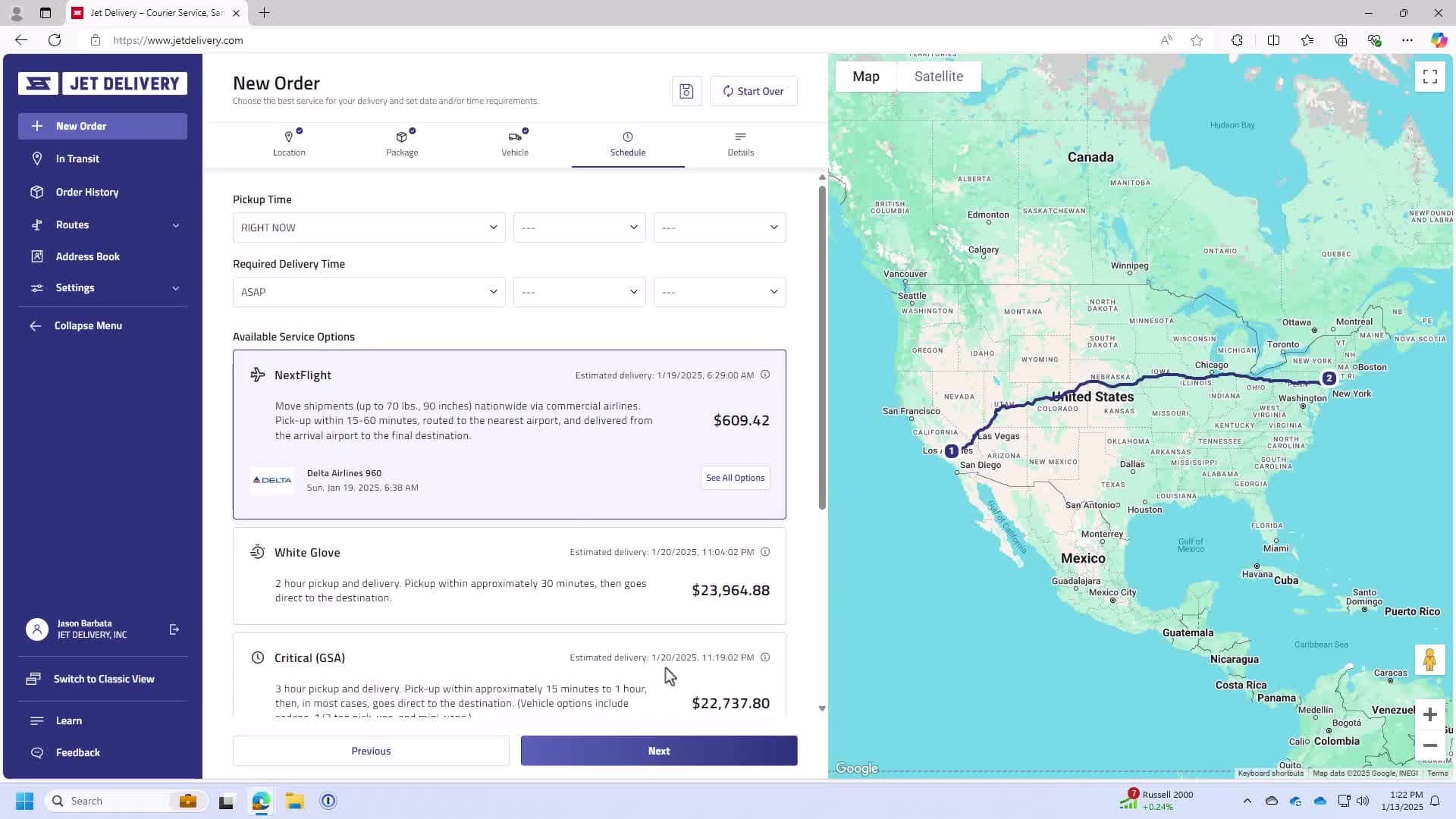
Learn how to open an account in this quick walkthrough. Setting up an account allows you to easily book same-day courier services, on-demand deliveries, and manage your shipments online.
Visitor Controls & Challenge — Annual Module
Read this module, answer the questions, acknowledge the pledge, and submit to record completion. (Approx. 3–5 minutes)
What you’ll learn
- How to manage sign-in/out, badges, and escorts for visitors and truckers
- Exactly how to challenge unidentified persons safely (what to say & who to call)
- What must be logged and how long to retain records
1) Visitor sign-in & logging
- All visitors sign in and out with date/time, name, company, host/contact, purpose/areas allowed.
- Record badge # issued and escort name; retain logs per policy (e.g., ≥ 6 months).
- Truckers: use a contained waiting area; they do not roam the warehouse unescorted.
2) Badges & guest cards
- Issue numbered visitor badges; reconcile daily. Missing badges are escalated immediately.
- Guest access cards (if issued) are time-limited and door-limited. Warehouse visitors are still escorted.
- Post “Authorized Personnel Only” and restricted-area signs at entrances.
3) Escort rules
- Warehouse: visitors are always escorted — no exceptions.
- Office: pre-vetted maintenance/janitorial may be unescorted only while employees are present.
- After hours: requires manager permission; log the approval and escort.
4) Challenge procedure (safe, simple, consistent)
- Greet: “Hi, can I help you? Who are you here to see?”
- Assess: If no badge/escort, stop movement and accompany to reception for sign-in/badge.
- Escalate: If they refuse or seem suspicious, call a manager. Do not physically engage; dial 911 if there’s a safety risk.
- Document: Time, location, description, actions taken (add to incident log if needed).
Script tip: Calm tone, stand at a safe distance, keep sightlines open, and involve a second employee when possible.
5) Do / Don’t
- Do wear your own ID; model the behavior you expect.
- Do return unused badges/cards immediately; report any lost badge or card at once.
- Don’t let anyone tailgate through secured doors.
- Don’t allow photography of freight/screens without written approval.
Quick check (2 questions)
Pledge
Reading progress
Time on module: 0s (need 30s) • Scroll to the end to enable submit.
Submitting records your name, module ID, version, answers, acknowledgement, and reading progress (time & scrolled) with timestamp, IP (server-side), and user agent.
Accessibility & privacy
If you need an alternative format, contact IT/Safety. Training completions are retained for audit.